








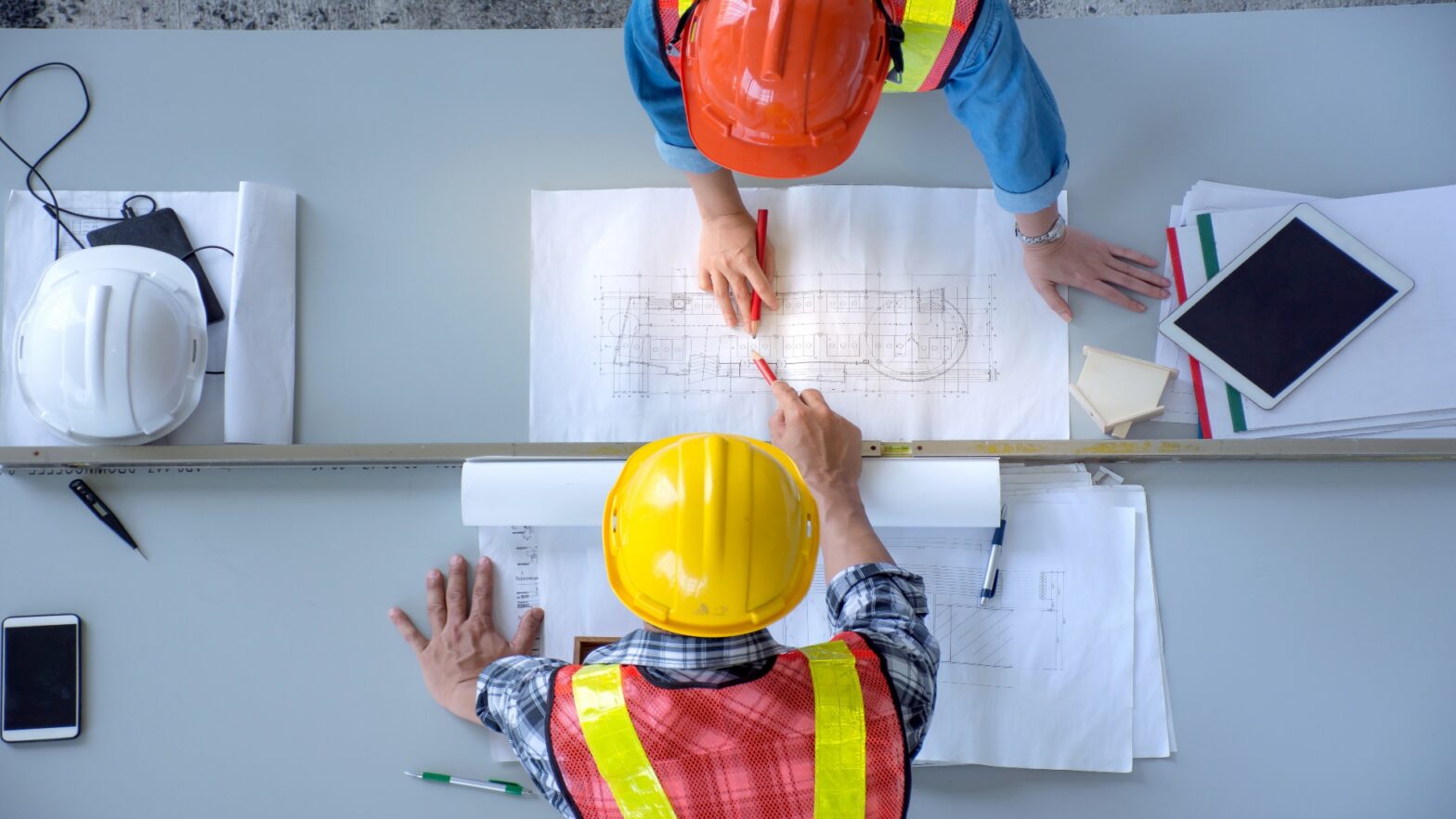










While paper plans have served the industry for decades, they are vulnerable to physical damage, occupy valuable storage space and slow collaborative workflows. Digital alternatives offer instant access, enhanced security and long-term preservation, eliminating these limitations.
For architecture and engineering (AEC) firms managing large-scale projects or navigating strict compliance standards, digitization is becoming essential. Whether the firms handle the transition in-house or partner with a top-rated company for archiving and document scanning services, they should understand the process, benefits and available providers.
The Hidden Costs of Sticking to Paper Blueprints
Physical blueprints carry risks that extend beyond obvious storage challenges. Poor-quality prints can lead to misinterpretation during construction, creating safety hazards, project delays and cost overruns. A single faded dimension or illegible notation can cascade into costly rework.
When physical records are misplaced or stored improperly, AEC firms risk losing them permanently. Fire, water damage and simple human error can erase decades of project history in moments. Even properly folded blueprints kept in ideal conditions take up space, inflating storage costs and making retrieval time-consuming.
Key Benefits of Digitising Your Architectural Plans
Digitisation eliminates the risk of physical data loss while improving collaboration through instant access from any location. Teams can review plans simultaneously without coordinating physical handoffs or waiting for documents to be delivered.
Digital files enable encryption and privileged access control mechanisms that enhance security beyond what locked file cabinets can provide. Professionals control who can view, edit or share sensitive project information with precision.
Digital documents do not age, facilitating long-term preservation. Pages will not yellow and text does not fade, regardless of how many years pass. Digitisation also facilitates easy storage, sharing and editing, thereby streamlining workflows across the entire project life cycle.
A Framework for Going From Physical to Digital
With the right equipment and workflows, transitioning from paper plans to digital records is straightforward.
When Is the Right Time to Digitise Your Blueprints?
For firms starting a large-scale project, the timing could not be better. Digitisation at project launch ensures all stakeholders work from current, accessible files from day one. It is also ideal for those who need to comply with data protection and secure documentation standards, such as the Health Insurance Portability and Accountability Act (HIPAA).
If documents are at risk of degradation or unorganised records have caused project delays, it is time to embrace a digital-first workflow. Waiting only increases the likelihood of permanent physical data loss.
Key Steps in the Blueprint Digitisation Process
The process starts with document preparation to ensure high-quality scans. Workers should remove staples, flatten creases and gently remove dust from each sheet. They can mend tears with archival tape to prevent further damage during scanning.
Once preparation is complete, professionals must categorise blueprints by project type, date, size or priority to establish a clear hierarchy before scanning begins. This up-front organisation will save them time later, during indexing and retrieval.
They can scan documents with a wide-format scanner compatible with large architectural sheets. When picking the machine, they must consider resolution, color accuracy and file type. These decisions can impact the digital image’s quality and compatibility. Afterward, professionals can index files with attributes like filenames, project dates, client names and relevant keywords.
Outsourcing vs DIY Document Digitising In-House
Should AEC firms rely on top companies for archiving and document scanning services or perform digitisation themselves?
The Case for a Do-It-Yourself Approach
There are many scenarios where handling digitisation in-house makes sense. For architectural firms with a small volume of documents, investing in equipment is cost-effective. They maintain complete control over the entire process and can work at their own pace without coordinating with external vendors.
This approach is especially valuable for professionals working with health care facilities or government entities. Since scanning is done in-house, they do not have to worry about theft, loss, unauthorised access or damage to original documents during shipping and handling.
When to Hire a Scanning Service Provider
Outsourcing gives companies access to high-end technology designed specifically for large-format documents. Well-resourced partners offer accelerated processing for large-volume orders and enhanced security protocols that meet industry compliance standards.
Professional providers can seal documents at the client’s site, conduct quality reviews during scanning and offer secure destruction services afterward. These measures protect sensitive project information throughout the entire conversion process while delivering results faster than some in-house teams can manage.
5 Top-Rated Companies for Archiving and Document Scanning Services
If you choose to hire a scanning services provider, the following companies are among the best for a range of archiving and document scanning services — from providing wide-format scanners to helping clients compare service providers.
1. Duncan-Parnell
Since 1946, Duncan-Parnell has been the trusted partner for architects, construction contractors and surveyors across the Southeast. Throughout its history in the industry, it has grown into one of the top-rated companies for archiving and document scanning services. As a total solutions provider, Duncan-Parnell offers hardware, software, training and project consulting.
Duncan-Parnell’s HD Ultra scanner has been awarded the best wide-format scanner for three consecutive years. It also offers scanning software to connect scanners, storage systems, apps and printers. This technology helps firms achieve professional results with minimal adjustments.
Key Features:
- Has extensive industry experience.
- Sells the fastest large-format scanner on the market.
2. ARC Document Solutions
ARC Document Solutions places strong emphasis on customer satisfaction, compliance and secure documentation. It maintains a NIST 800-171 self-assessment score of 97 and is registered in the DoD Supplier Performance Risk System, making it well-suited for firms with federal project requirements.
The provider’s secure process includes sealing documents at the customer’s site, conducting quality reviews throughout scanning and providing secure destruction afterward. ARC Document Solutions’ experience with HIPAA and controlled unclassified information makes it a reliable choice for sensitive projects.
Key Features:
- Can scan documents of any size.
- Maintains a highly secure chain of custody.
3. HITS Corp
With HITS Corp’s comprehensive approach, companies can manage the entire documentation life cycle, from initial scanning through long-term digital archiving. It specialises in converting paper records into digital files. Beyond document scanning, it offers a document management system, data migration services, secure destruction and secure storage options.
Key Features:
- Archives blueprints, business documents and microfilm.
- Offers secure storage and destruction.
4. DocCapture
By connecting customers with vetted companies, DocCapture helps professionals save time and money. Its approach streamlines the vendor search process for professionals who are uncertain which provider will best fit their needs. DocCapture can serve professionals in any industry.
Key Features:
- Has a nationwide network of scanning services.
- Thoroughly vets local service providers.
5. archSCAN
Cloud-based document management company archSCAN converts paper documents into PDF, JPG and TIFF formats with precision. It uses a barcoded database to increase the speed and accuracy of document conversion and data entry, reducing errors during high-volume projects.
archSCAN specialises in wide-format documents and can handle oversized sheets up to 48 inches wide. Its facility can scan thousands of documents per day, making the provider suitable for firms with urgent deadlines or massive backlogs.
Key Features:
- Scans thousands of documents daily.
- Ensures accuracy with a barcoded database.
Methodology: How the Top Service Providers Were Ranked
The companies listed specialise in scanning and archiving services, allowing professionals to convert paper blueprints into searchable digital files. Many offer turnkey document conversion services for both small and large-format documents.
The ranking considers specialisation in the AEC industry, particularly wide-format scanning capabilities essential for digitising blueprints. It also evaluated each service provider’s range of offerings, including scanning, storage and document destruction.
Security protocols played a significant role, with preference given to companies demonstrating compliance with HIPAA and federal secure documentation rules.
Some of these vendors provide value-added services such as secure storage, secure destruction, bulk scanning capabilities, data encryption and digital mailroom services that extend beyond basic scanning.
Frequently Asked Questions About Digitalisation
Professionals seeking clarification on document digitalisation should refer to these frequently asked questions.
How does OCR work with architectural plans?
Optical character recognition scans, processes and analyses technical drawings to extract and digitise elements like dates, titles and notes. It distinguishes text from lines and symbols, transforming unstructured scans into searchable data that teams can query by keyword.
What is the best file format for scanned blueprints?
PDFs work best for seamless sharing across teams and clients. TIFF allows professionals to edit without loss of quality. Firms can use it to ensure lossless master files remain pixel-accurate. DXF enables CAD compatibility, allowing companies to share 2D and 3D design data across software such as AutoCAD, SolidWorks and CNC machining tools.
Can damaged blueprints be digitised?
Damaged blueprints can often be digitised with proper preparation. Archival tape and gentle cleaning can make most documents legible and scannable. High-resolution, large-format scanners can often improve faded lines. At a minimum, digitisation helps facilitate digital document restoration by creating a baseline file that workers can enhance using image editing software.
Choosing Between Document Scanning Services
Document archival and scanning services can benefit most organisations. While all the companies offering archiving and document scanning services are top-rated, their services vary. DIY solutions work for small and midsized volumes with flexible timelines. Outsourcing accelerates large-scale conversions while meeting strict compliance standards. Decision-makers should consider this choice carefully.